/ Healthcare technology
DICOM Modality Worklist: How It Works and a Test Checklist
A guide to DICOM Modality Worklist: procedure mapping, AE title setup, and order-to-scan testing. Includes a checklist for normal and failure conditions.
Quick answer
What to know before reading further
- Modality Worklist helps modalities retrieve validated orders so patient identity does not need to be entered repeatedly.
- MWL integration should test procedure mapping, accession numbers, AE Titles, connectivity, and failure conditions—not only an open port.
Process map
One examination, several checkpoints
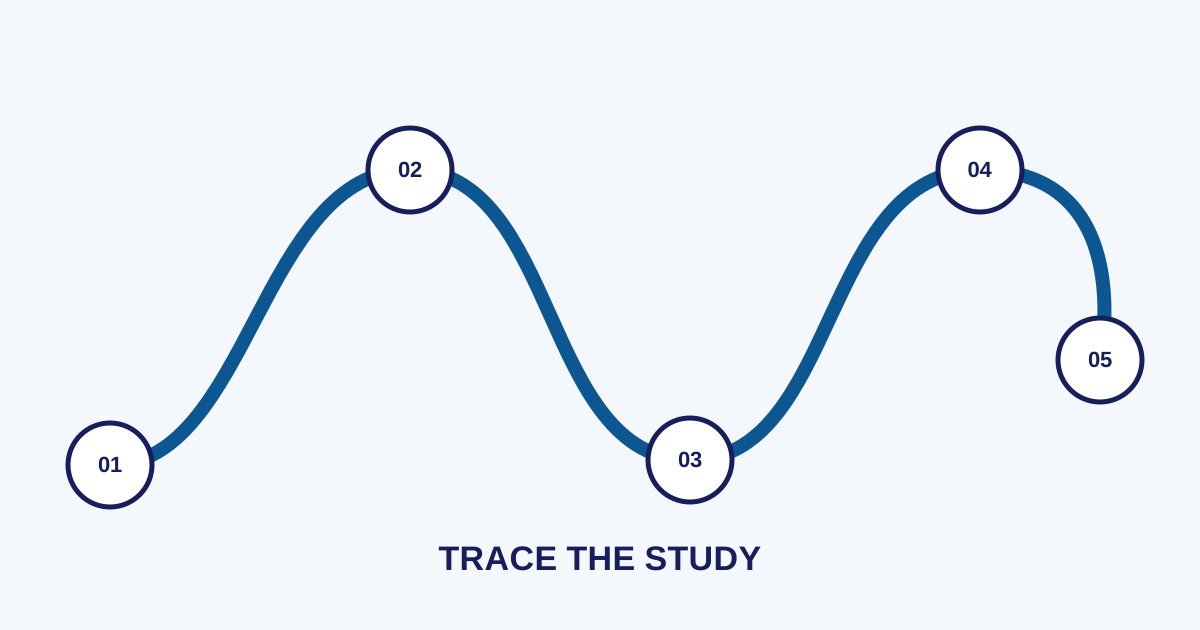
- 01
Create the order
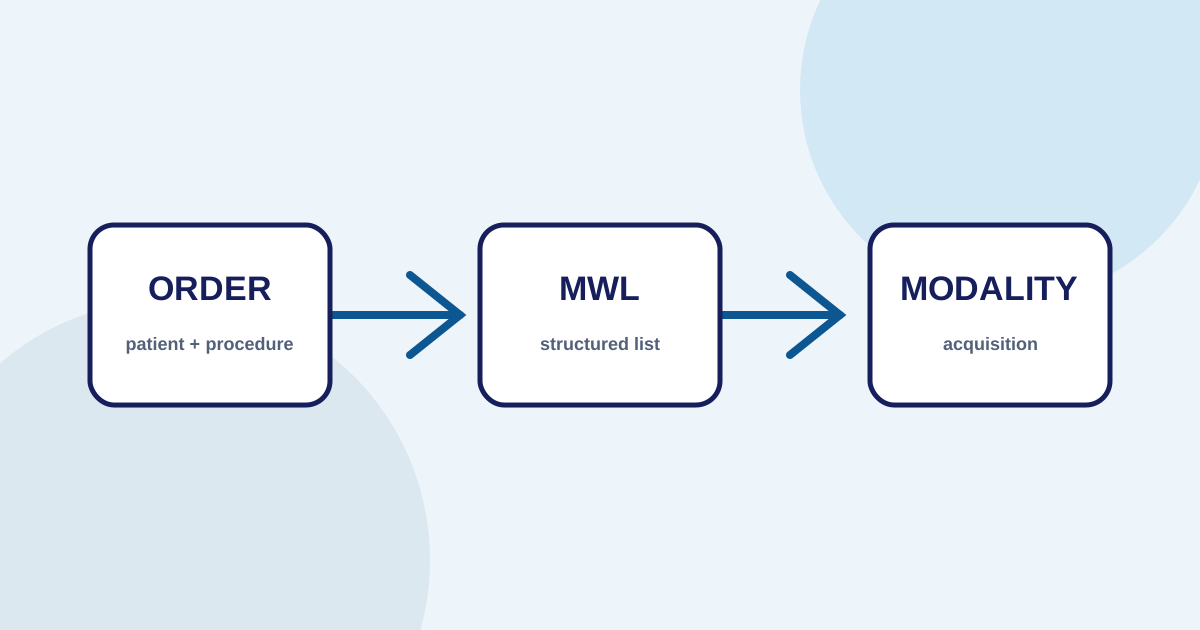
The registration system creates an order with patient, procedure, priority, modality, and accession number.
- 02
Validate mapping
Procedure, location, modality, and identity terms are mapped so the exchanged format stays consistent.
- 03
Provide the worklist
The MWL server answers modality queries according to configured filters and access rules.
- 04
Select the order
The technician selects the correct order on the modality before acquisition.
- 05
Send the study
The DICOM study is sent to its destination and its metadata and acceptance status are checked.
What is DICOM Modality Worklist?
Agree on AE titles and procedure maps
DICOM Modality Worklist, or MWL, allows a modality—such as CT, MRI, CR/DR, or ultrasound—to retrieve scheduled examination orders from a connected system. The technician selects the correct order before acquisition. This lets patient and procedure information come from a validated source rather than being typed again at the modality console.
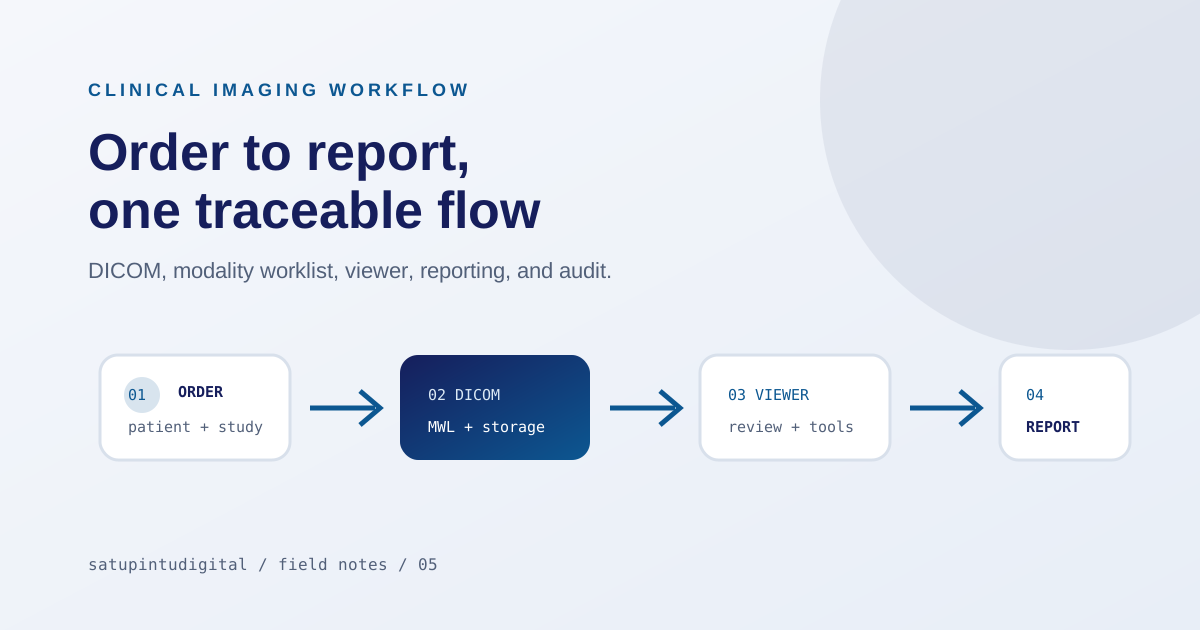
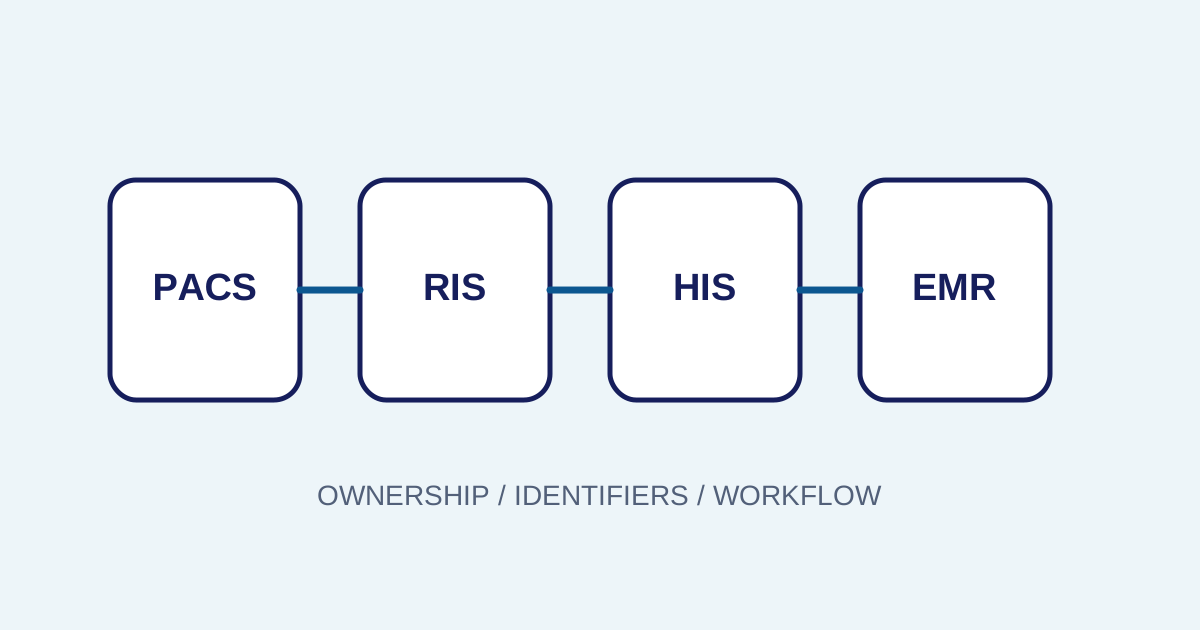
MWL is not merely a queue. It connects registration, RIS or an ordering system, the modality, and the PACS workflow. For the broader context, read the radiology PACS workflow from order to report.
What data needs to be agreed?
Before configuration, teams should agree on the fields used to search and the fields carried into the study. Common topics include:
- Patient ID and patient identity.
- Accession number as the examination identifier.
- Study or procedure description.
- Modality and device location.
- Scheduled station AE Title.
- Date, time, priority, and order status.
Facilities do not always use the same procedure names. Explicit mapping is therefore important. “CT head”, a local procedure code, and a vendor label may refer to the same examination, but the system needs a defined relationship before the workflow expands to more units.
MWL configuration checklist
Use a staged checklist so different failure types do not get mixed together:
- Order source: identify the source of truth for patient, procedure, and accession number.
- DICOM node: record hostname or address, port, AE Title, and service type.
- Worklist filters: make sure the modality receives the right location, modality, date, and order status.
- Mapping: align procedure codes, descriptions, priorities, and patient identity.
- Access: restrict queries to the required unit and environment.
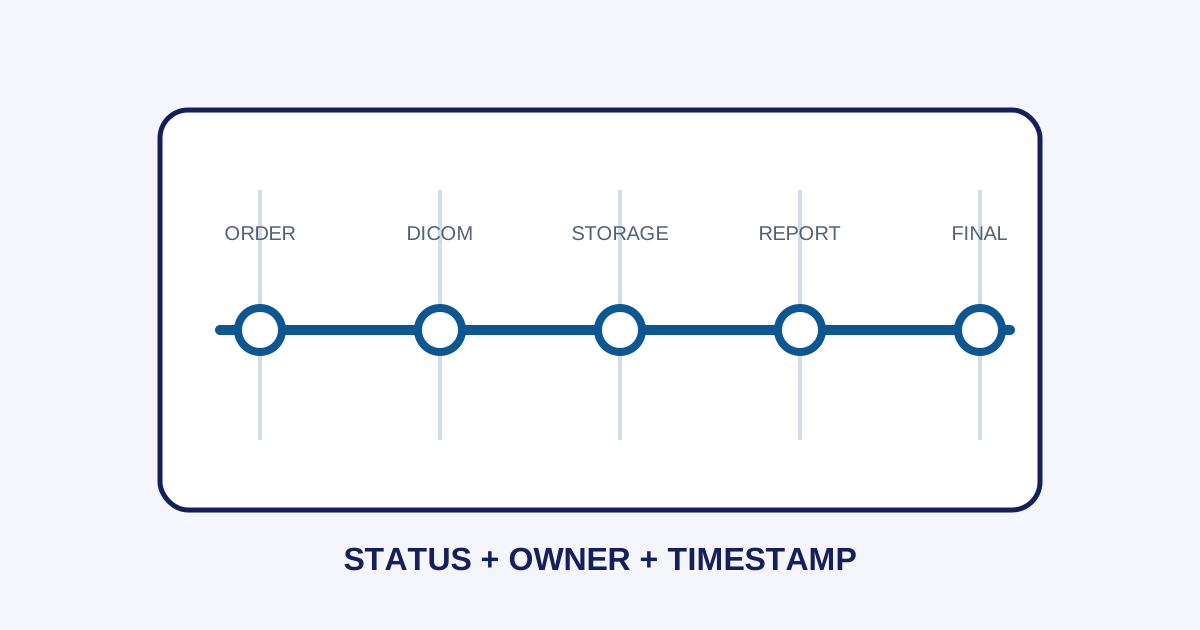
- Status: distinguish new, cancelled, completed, rejected, and correction-needed orders.
- Audit: record important configuration changes and data corrections.
Document configuration per device. One global configuration without device-level differences makes troubleshooting harder when a facility adds a modality.
Test normal and failure conditions
A closer look
A normal test confirms that an order is created, appears in the worklist, is selected on the modality, and produces a study accepted by the DICOM destination. Failure tests answer the more useful question: what happens when a node cannot be reached, a procedure has no mapping, an accession number is duplicated, or metadata does not match?
Error messages should identify the failed stage and the next action. “Failed” alone does not distinguish network problems, rejected data, AE Title configuration, or storage capacity.
How MWL connects to the PACS workflow
A closer look
MWL happens before acquisition, but its effects continue into viewing and reporting. A wrong order can produce wrong metadata. Wrong metadata can make a study difficult to find, send it to the wrong worklist, or stop it during routing. Teams should therefore follow one examination from order, worklist, acquisition, DICOM delivery, storage, viewer, and report.
In Imagestro-PACS, MWL is described as part of the order, DICOM, review, reporting, and integration workflow. The implementation still needs to match the modality, HIS/SIMRS, network, and facility policy.
For the full order-to-report map, see the radiology PACS workflow.
See the DICOM Standard for the latest technical reference.
For the full order-to-report map, see the radiology PACS workflow.
See the DICOM Standard for the latest technical reference.
Conclusion
A closer look
DICOM Modality Worklist reduces manual identity entry and helps preserve the relationship between an order and an examination. Successful integration depends on more than an open port: data mapping, filters, ownership, failure testing, and audit trails matter just as much as node configuration.
Key terms
Quick glossary
- Modality Worklist
- A DICOM service that provides scheduled examination information so modalities can retrieve structured orders.
- AE Title
- A DICOM application name used by nodes to identify one another during communication.
- Accession number
- An examination identifier that connects an order, imaging study, and report in one operational context.
Read the sources
References and documentation
Frequently asked
Questions teams ask before implementation
- Is Modality Worklist the same as PACS?
- No. Modality Worklist is one DICOM service that helps a modality receive orders, while PACS can cover storage, routing, viewing, access, and other workflow functions depending on the implementation scope.
- Why can a study still be wrong when worklist is active?
- Worklist reduces manual entry but does not remove validation. Incorrect filters, unmapped procedures, selecting the wrong order, or changes after order creation still need to be handled by the facility's procedures.
- What should be tested before relying on Modality Worklist in production?
- Test the full order-to-scan flow, not only the connection. Verify the modality receives the correct order list, identify what happens when nodes are unreachable or procedures are unmapped, and confirm that duplicate or cancelled orders produce visible status rather than silent failure.
Transmit Radiology to SATUSEHAT Without the Setup Hassle
Connect your clinical imaging workflow—from modality worklists and automated accession numbers to web DICOM viewing and SATUSEHAT synchronization. Free Tier available for clinics and hospitals.
Content cluster